
Harnessing the Power of Video: ClickView for South Tyneside Schools
Welcome to your dedicated ClickView hub for South Tyneside. As part of our commitment to delivering a high-quality, modern, and digitally secure curriculum, every school within our Service Agreement has a full ClickView subscription included at no extra cost. This page provides an overview of how to leverage this incredible tool in your classroom, the pedagogical research backing it, and vital guidance on copyright compliance regarding commercial streaming services.
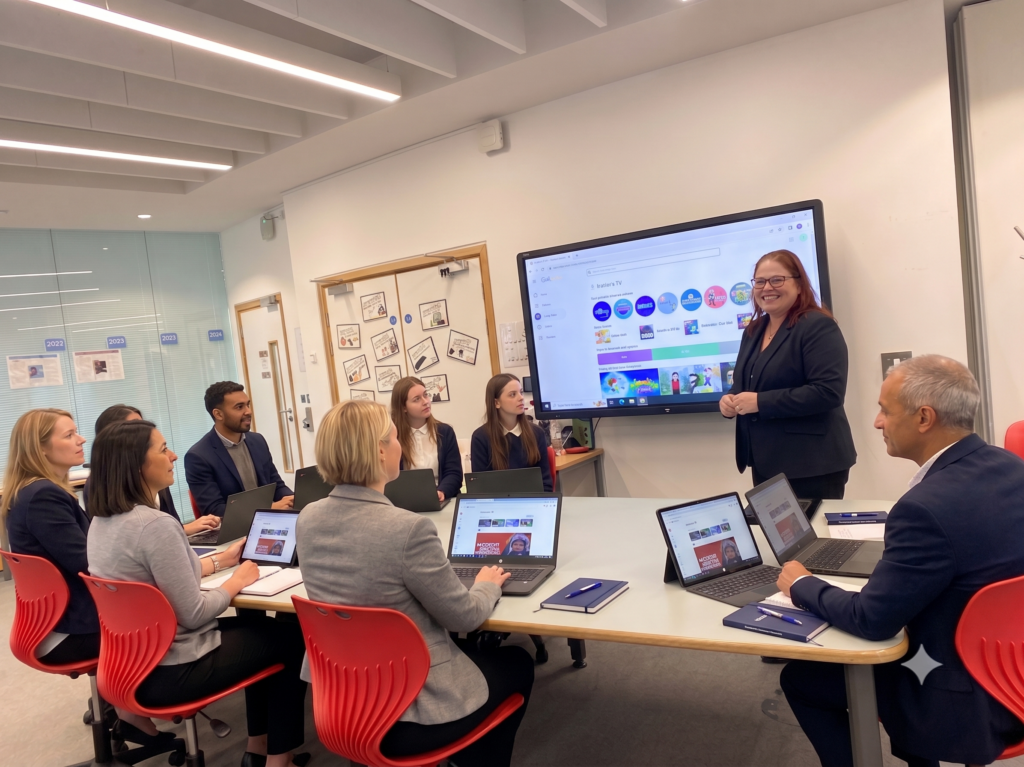
What is ClickView?
ClickView is a leading, cloud-based educational video platform designed specifically for the classroom. Unlike general video-sharing websites, ClickView provides teachers and students with a secure environment filled with thousands of high-quality, ad-free, and curriculum-aligned videos.
Key Features for South Tyneside Teachers:
- Curriculum-Aligned Library: Find vetted educational videos, documentaries, and TV series mapped directly to the UK curriculum in seconds.
- Interactive Video Lessons: Turn passive viewing into active learning by embedding quizzes, prompts, and reflection questions directly into the video timeline.
- Actionable Analytics: Track student engagement and quiz results to instantly spot gaps in understanding and differentiate your teaching.
- Safe Student Access: Students can log in safely at school or at home, enabling seamless independent study or “flipped classroom” models.
Why We Use Video: The Research
Using instructional video in the classroom is deeply rooted in modern cognitive science. When applied intentionally, video shifts from a passive “time-filler” to a high-impact learning intervention.
Key Research Finding: According to a comprehensive global literature review, The Impact of Video in the K-12 Classroom (Walsh & Henderson), incorporating interactive elements like learner control (pausing/rewinding) and embedded quizzes significantly enhances information processing, memory retention, student motivation, and overall academic performance.
Useful Research & Pedagogical Links:
- The Impact of Video in the K-12 Classroom (Executive Summary) – A breakdown of how cognitively efficient video design boosts student achievement.
- EEF Clips from the Classroom – Insights into using video to capture and reflect on high-impact teaching strategies, retrieval practice, and cognitive science.
- ClickView Teacher Training Guide – Access the official ‘Train the Trainer’ manual to upskill staff or run internal professional development sessions.
Crucial Guidance: Why Schools Must NOT Use Netflix, Prime Video, or Disney+
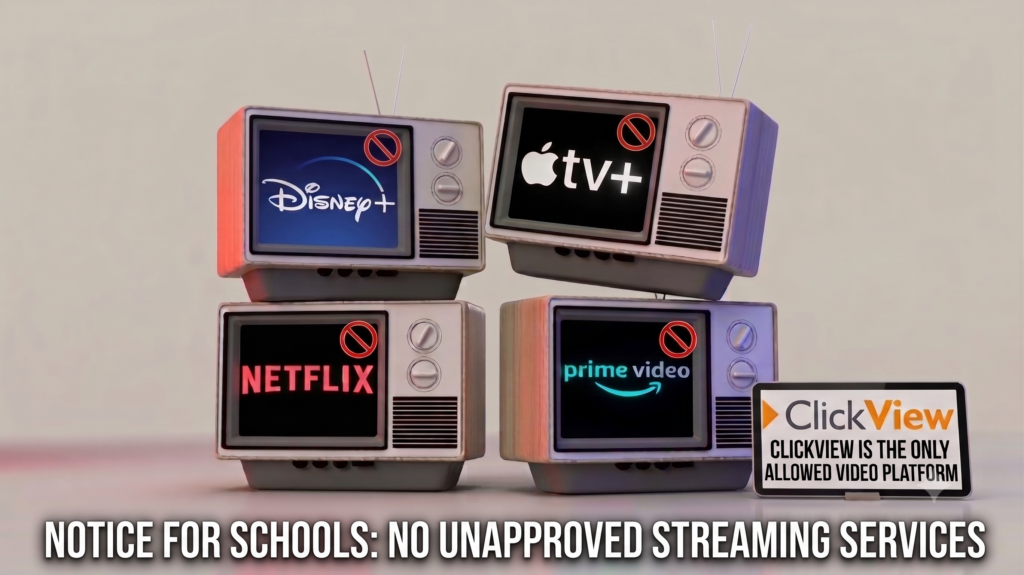
It can be tempting for teachers to log into their personal Netflix, Amazon Prime, or Disney+ accounts to show a movie or documentary to students. However, using these commercial streaming platforms in a school setting is strictly prohibited. Here is why your school must stick to ClickView instead of commercial platforms:
| Feature/Risk | Commercial Streaming (Netflix, Prime, etc.) | ClickView Subscription |
| Copyright Law | Illegal. Personal accounts are licensed strictly for “private, domestic use.” Showing them in a classroom violates Terms of Service and UK copyright law. | 100% Compliant. ClickView includes pre-vetted, legally licensed feature films, documentaries, and TV broadcasts cleared for educational use. |
| GDPR & Privacy | High Risk. Logging into a personal account on a school device exposes personal data, payment details, and search histories to pupils. | Safe & Secure. Integrates with your school’s secure login protocols, keeping teacher and student data strictly protected. |
| Safeguarding | Unmonitored. Commercial algorithms recommend content based on adult viewing habits, risking inappropriate trailers or thumbnails appearing on screen. | Vetted Content. Entirely ad-free, risk-free, and age-restricted based on school-managed settings to protect pupils. |
| Pedagogical Tools | None. Passive viewing only. | High. Built-in interactive tools, quizzes, and curriculum-linked resource packs. |
Get Started Today
Your ClickView account is already waiting for you. To access your subscription, set up training for your department, or resolve any login queries, please get in touch with the ICT in Schools team.
- Website Log In: ClickView Online
- Support & Training Requests: Contact your dedicated ICT in Schools technician or email us via our main helpdesk.
Upcoming Events
ClickView Celebration event @ The Word
Online Safety Super Hero Challenge

 What’s involved?
During the event, pupils work in teams to create a 1‑minute video about staying safe online, taking on roles like Director or Scriptwriter. They explore key themes such as privacy, positive behaviour, safe profiles, and checking with trusted adults, then upload their video to ClickView with interactive questions.

Awards recognise teamwork, creativity, and overall excellence (ClickView Masterminds).
You can have more than one team, just let us know on the booking form. This is a fantastic opportunity to combine digital creativity, collaboration, and essential safeguarding education in a fun, memorable way.

Event Details:
Date: Tuesday 23rd June
Time: 12:00pm – 2:00pm
Location: The Word
Here is the link to sign up