
E-Safety for Education Professionals

Educators, social workers and other professionals working with children and young people play an important role in supporting children to learn about how to keep themselves safe online.
“Teachers uphold public trust in the profession and maintain high standards of ethics and behaviour, within and outside school “
Online Safety: Our Shared Responsibility in Education
In today’s classrooms, technology is more than just a tool—it’s a fundamental part of teaching, learning, and communication. With this incredible opportunity comes a vital and shared responsibility: ensuring the online safety of our students.
As education professionals, our role in online safety is an extension of our duty of care. It’s not just a box to be ticked on a policy document; it is a dynamic and essential part of safeguarding every child and young person.
Key Responsibilities for Every Educator
1. Safeguarding in the Digital World: Online safety is a core safeguarding issue. We must be vigilant for signs of cyberbullying, exposure to inappropriate content, radicalisation, and other online harms. The recent updates to the Online Safety Act and Keeping Children Safe in Education (KCSIE) guidance in the UK reinforce our duty to have robust filtering and monitoring systems in place and to be aware of the new risks our students face.
2. Being a Digital Role Model: Our own online behaviour sets an important example. We must model responsible and professional conduct in our use of technology, both inside and outside of school. Maintaining professional boundaries and being mindful of our digital footprint is crucial to protecting ourselves and our students.
3. Empowering Critical Thinkers: Our ultimate goal is not to restrict access but to empower students. We must teach them to be confident, resilient, and discerning digital citizens. This means having open, age-appropriate conversations about identifying misinformation, managing their digital reputation, and understanding the risks and benefits of the technology they use every day.
4. Staying Informed: The digital landscape is constantly evolving. New apps, games, and technologies like AI present both opportunities and new challenges. To be effective, we must commit to ongoing professional development to stay current with the latest online trends and risks.
What Can We Do?
- Review and Understand Your School’s Policies: Make sure you are fully aware of your school’s online safety policy, acceptable use agreements, and reporting procedures.
- Engage with Training: Participate in regular online safety training, including cyber security awareness, to understand how to protect your own data and your students’ data from threats like phishing and ransomware.
- Encourage Open Dialogue: Create a culture where students feel comfortable reporting anything that makes them feel unsafe or uncomfortable online.
Online safety is a collective effort. By working together, we can ensure our schools remain safe, nurturing environments where technology can be embraced for its many benefits without compromising the well-being of our students.
- What do children and young people do online?
- What apps, services and devices do they use?
- The online world attracts children and young people because it offers fun games, social media to connect with friends, and easy access to information. It provides a space for entertainment, learning, and nonspecializing all in one place, making it very appealing.
- However, it is important and our duty as education professionals to manage and minimise the potential risks and harms.
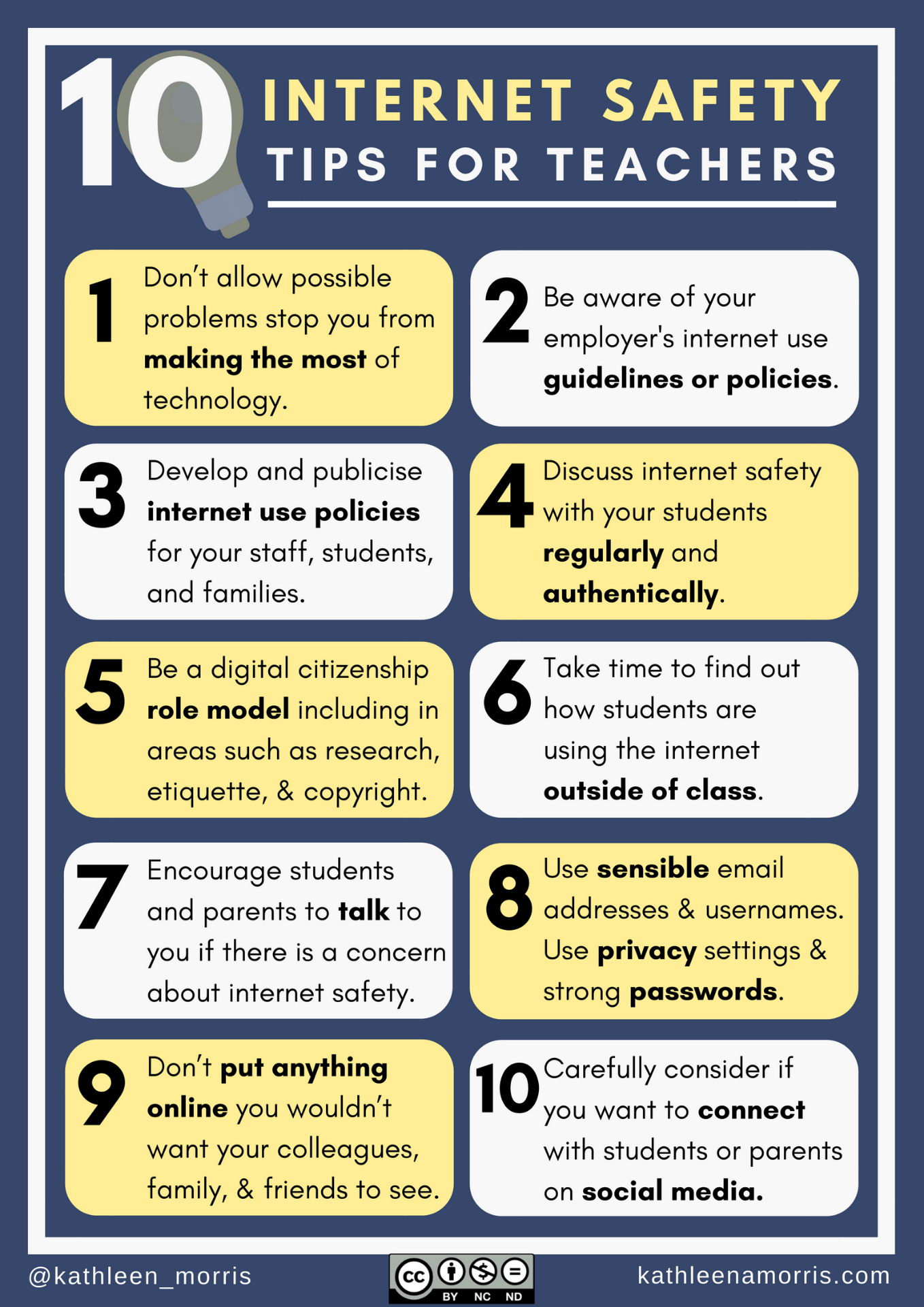
Promoting E-safety with young people
- Start a conversation with the children you work with.
- Explore resources and frameworks for the age you teach.
- Put up posters in your classroom/computing room/displays around school.
- Promote reporting routes to pupils – who, when, where and what happens.
- Review your digital footprint and privacy settings.
E-safety advice for schools from
Order some amazing leaflets for parents from SWGFL here.

Example School Policies:
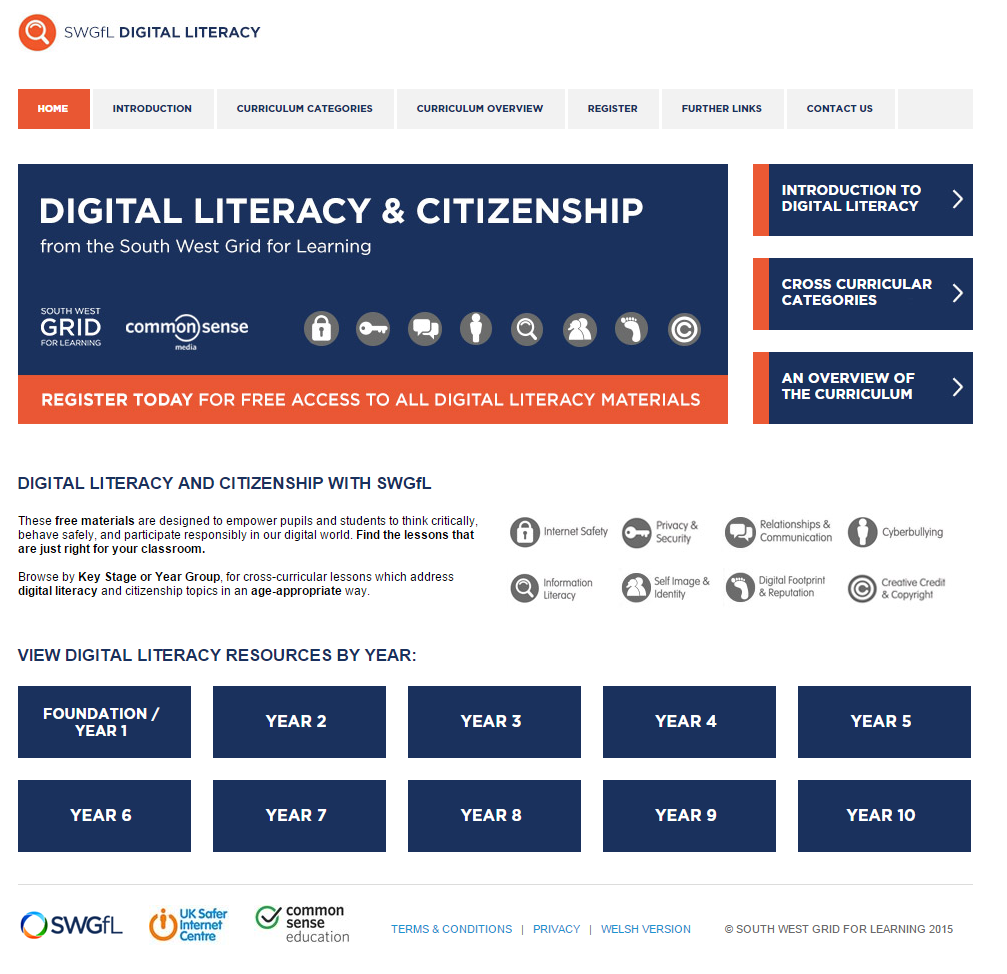
Some great resources for planning your scheme of work.
We run regular courses for teachers, parents and school governing boards.
Filtering and Monitoring
Schools in England (and Wales) are required “to ensure children are safe from terrorist and extremist material when accessing the internet in school, including by establishing appropriate levels of filtering”. Furthermore, the Department for Education’s statutory guidance ‘Keeping Children Safe in Education’ obliges schools and colleges in England to “ensure appropriate filters and appropriate monitoring systems are in place and regularly review their effectiveness” and they “should be doing all that they reasonably can to limit children’s exposure to the above risks from the school’s or college’s IT system” however, schools will need to “be careful that “over blocking” does not lead to unreasonable restrictions as to what children can be taught with regards to online teaching and safeguarding.”
KCSIE 2024 Documentation
Update 2025
The Department for Education (DfE) has published an information only version of the updates to the statutory safeguarding and child protection guidance for schools in England, Keeping children safe in education (KCSIE). The final version will be published in September 2025.
This version will replace previous editions of the guidance.
The guidance sets out what schools and colleges in England must do to safeguard and promote the welfare of children and young people under the age of 18.